Download ClockZen.
Start tracking today.

Choose your platform and start tracking your time in minutes. ClockZen is available wherever you work.

Available for macOS, Windows, and Linux

Current Version v1.0.0
Coming Soon

Windows

Windows 10+ • Expected Q2 2026

Coming Soon

Linux

AppImage & .deb • Expected Q3 2026

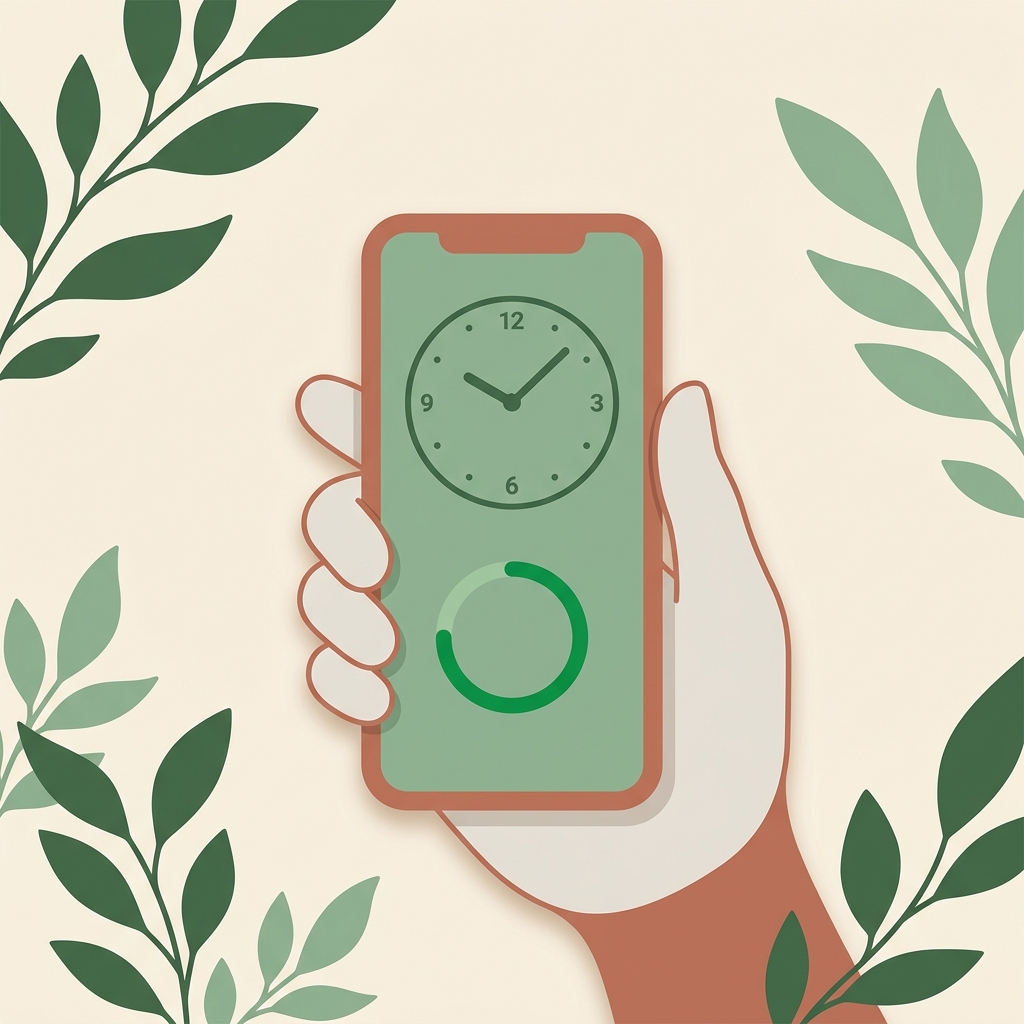
A hand holding a phone showing a ClockZen clock dial and focus progress ring

On every device

Focus that travels with you.

Track sessions on the go, check your streaks on the bus, start a focus block from your wrist. ClockZen syncs across every device.

  • iOS iPhone & iPad — in review
    Notify me
  • Android Play Store listing in progress
    Notify me
No Download Required

Or use the Web App

Access ClockZen from any browser. Perfect for quick focus sessions, checking your stats, or when you're on a device without the desktop app installed.

Works on any device
Instant access
Syncs with desktop
Open Web App
app.clockzen.com
25:00 Focus Session
Start
clock·zen
3h 42m Today's Focus
Start Focus
Browser Extension

Chrome Extension

Track your browser activity automatically. See which websites help you stay productive and which ones distract you. Available for Chrome and Chromium-based browsers.

Automatic website tracking
Quick timer controls
Privacy-focused design
Add to Chrome
Coming Soon

Windows & Linux Coming Soon

We're working hard to bring ClockZen to Windows and Linux. Sign up to be notified when your platform is available, and get early access to the beta.

We'll only email you when your platform is available. No spam, ever.

System Requirements

Make sure your system meets these minimum requirements for the best experience.

macOS

  • macOS 12 (Monterey) or later
  • Apple Silicon (M1/M2/M3) or Intel processor
  • 4 GB RAM minimum (8 GB recommended)
  • 200 MB available storage
  • Screen Capture permission for activity tracking

Web App

  • Modern web browser (Chrome, Firefox, Safari, Edge)
  • JavaScript enabled
  • Stable internet connection
  • Notifications permission (optional)

Chrome Extension

  • Chrome 88+ or Chromium-based browser
  • Brave, Edge, Arc, or Vivaldi supported
  • Browser extensions enabled
  • ClockZen account (free or Pro)

Installation Help

Common questions about downloading and installing ClockZen.

Ready to master your time?

Download ClockZen and start your journey to better productivity today. Free to start, powerful when you need more.

A person meditating calmly beside a softly glowing hourglass